


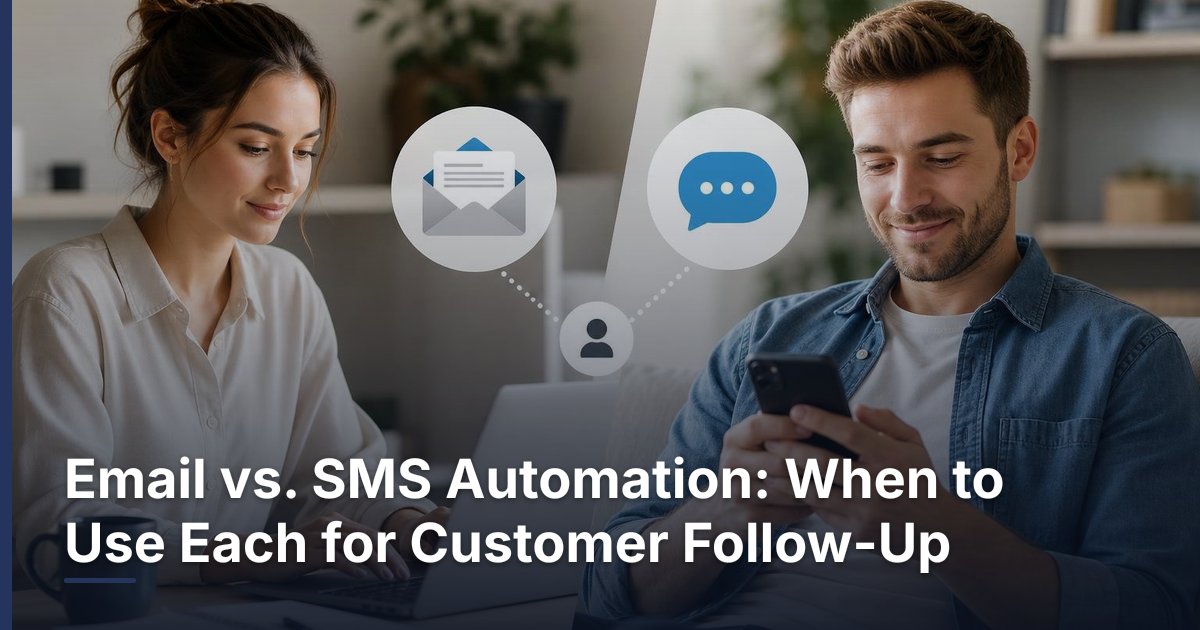
Email vs. SMS Automation: When to Use Each for Customer Follow-Up
Prepared 2026-11-23
Use email automation when a customer needs explanation, detail, or a sequence of helpful information. Use SMS automation when a short, timely prompt is appropriate and the recipient has agreed to receive text messages. For many businesses, the practical answer is a coordinated workflow: email carries the fuller conversation, while SMS supports a specific moment that should not be missed.
Start with the follow-up goal, not the channel
The question is not whether email or SMS is universally better. The useful question is what a customer needs immediately after a specific event. A prospect who requests information may need a detailed explanation. A customer with an upcoming appointment may only need a brief reminder. Matching the message to that need makes the workflow easier to plan and easier for staff to manage.
Map each trigger to one intended outcome. For example, an inquiry follow-up may aim to help a prospect book a conversation; a post-purchase follow-up may help a customer access onboarding information; and a dormant-lead follow-up may invite the person to re-engage. When the outcome is clear, it becomes easier to decide how much information belongs in the message and whether speed matters.
- Use email when the customer needs context, supporting details, links, or a series of messages.
- Use SMS when a short message can support a timely, single next step.
- Use both only when each message adds something distinct to the customer journey.
- Do not automate a message until someone owns the response path when a customer replies or asks for help.
Where email automation fits best
Email gives a business more room to explain what happens next. It can introduce a service, answer common questions, provide preparation details, share a resource, confirm an action, or guide a new customer through a sequence. That makes it a practical primary channel when the recipient needs to evaluate options or complete a process with several steps.
Good email follow-up situations
- A new lead needs an overview of services, process, or next steps after submitting a form.
- A prospective customer needs educational material before deciding whether to book a consultation.
- A customer needs onboarding instructions, account information, or links to relevant resources.
- A sales team needs a structured sequence for leads that are interested but not yet ready to act.
- A business wants to reconnect with prior customers using a useful, relevant message rather than a rushed prompt.
A useful email workflow should not simply repeat a sales pitch. Each message should help the recipient move forward: clarify a question, reduce uncertainty, provide a relevant resource, or make the next action obvious. If an email includes multiple links or choices, make the primary action clear so the recipient does not have to guess what to do next.
Where SMS automation fits best
SMS is most useful when the message can be brief and the timing is central to its value. Think of it as a focused prompt, not a condensed email newsletter. The recipient should be able to understand the reason for the message quickly and know what to do without reading a long explanation.
Good SMS follow-up situations
- A customer needs a concise reminder about an upcoming appointment or scheduled action.
- A prospect has requested a callback or another time-sensitive response.
- A customer needs a short confirmation or update connected to an active transaction or service interaction.
- A business needs to prompt one simple action, such as checking an email that contains detailed instructions.
- A staff member needs to be alerted internally when a customer action requires prompt review.
Keep SMS content narrow. A message with a clear purpose is less likely to create confusion than one that tries to explain every detail. When more information is necessary, use the text to identify the reason for contact and direct the recipient to the fuller email, portal, webpage, or human contact point that is appropriate for the workflow.
Text-message consent, opt-out handling, message content, and timing can involve legal, carrier, and platform-specific requirements. Confirm the requirements that apply to your business, audience, location, and messaging provider before enabling an SMS workflow. This article is operational guidance, not legal advice.
Design one coordinated customer journey
Email and SMS can work together when they have different roles. For example, an email may provide the details a lead requested, while a later SMS can serve as a concise reminder to review the information or confirm a selected time. The key is that the text should not be a duplicate of the email. It should make sense on its own and add a reason to act now.
- Identify the trigger. Define the customer action or business event that starts the workflow.
- Set the customer outcome. State what the customer should be able to do or understand after the follow-up.
- Choose the primary channel. Use email for depth and SMS for a focused, timely prompt.
- Write the messages as a sequence. Give each message a distinct purpose rather than repeating the same request.
- Set stop conditions. End or change the automation when the customer books, buys, replies, opts out, or otherwise completes the intended action.
- Define staff handoffs. Decide who receives replies, how quickly they should respond, and what information they need.
- Test the workflow. Submit a test inquiry and follow the entire journey across messages, systems, and team handoffs.
A custom CRM, connected forms, scheduling tools, ecommerce systems, and workflow automation can help keep the journey organized. The right setup depends on the systems a business already uses and the events it needs to track. The goal is not to automate every interaction; it is to automate repeatable follow-up while preserving a clear path to a helpful person when a situation needs attention.
Avoid common follow-up mistakes
Automation can create a better experience when it is relevant and well maintained. It can also create friction when messages arrive after a customer has already acted, when several tools send competing communications, or when nobody monitors replies. Review the workflow as a customer would and consider the full sequence—not only the individual messages.
- Sending the same full message by email and SMS without a reason for the duplication.
- Using SMS for complex explanations that belong in an email, conversation, or customer portal.
- Continuing a follow-up sequence after the customer has completed the desired action.
- Failing to account for replies, questions, opt-outs, and escalation to a staff member.
- Letting separate systems send messages without shared customer status or clear rules.
- Treating automation as set-and-forget rather than reviewing content, triggers, and handoffs over time.
Hypothetical example: a professional-services firm receives a website inquiry. An immediate email can acknowledge the request and explain what information will help prepare for a consultation. If the person selects a meeting time, the workflow should stop the general lead sequence and shift to confirmation and preparation messages. If the person has appropriately agreed to text messages, a short SMS reminder may support the scheduled conversation without repeating the full email.
Choose a practical starting point
If your business is starting from scratch, begin with one high-value follow-up journey rather than attempting to automate every stage at once. Choose a process that is repeatable, has a clear customer outcome, and currently depends on manual reminders or copying information between systems. Document the current process before choosing software or building integrations.
For many small and growing businesses, a sensible first workflow is the path from a new inquiry to a scheduled consultation or qualified next step. Build the email sequence first if customers need information to make a decision. Add SMS only where a short, permission-based reminder clearly improves the journey. Review real replies and staff feedback before expanding the automation to other customer events.
A thoughtful follow-up system should make communication more consistent without making it feel impersonal. If you need help mapping customer journeys, connecting business systems, or building a workflow around your existing process, DLR Vortex Solutions can help you assess the options. Schedule a consultation today!
Frequently asked questions
Should a business use email or SMS for lead follow-up?
Use the channel that fits the customer’s immediate need. Email is generally the better starting point when a lead needs information, context, or several next steps. SMS can support a short, timely prompt when the person has agreed to receive text messages and the message has a clear purpose.
Can email and SMS be used in the same automation workflow?
Yes, if each channel has a distinct role. A useful approach is to use email for the detailed message and SMS for a focused reminder or prompt tied to a specific moment. Avoid sending duplicate messages without a customer-focused reason.
What should trigger an automated customer follow-up?
Useful triggers are specific business events, such as a form submission, a request for information, a completed purchase, an appointment, a stalled quote, or a customer status change. Choose triggers that have a clear next step and an owner for any reply or exception.
How do I prevent automated follow-ups from bothering customers?
Make messages relevant to the action the customer took, give each message a distinct purpose, stop the sequence when the customer completes the goal, and ensure replies and opt-outs are handled correctly. Review the full journey regularly from the customer’s perspective.
Do I need consent before sending automated SMS messages?
SMS consent and opt-out practices can be subject to legal, carrier, and platform-specific requirements. Confirm the rules that apply to your business and messaging program before sending automated texts. This article does not provide legal advice.
What systems should connect to a follow-up automation?
The best connections depend on the workflow, but they may include website forms, a custom CRM, scheduling tools, ecommerce systems, email tools, and internal notifications. Start with the systems needed to identify the trigger, track customer status, send the right message, and route replies to the right person.
Related reading
Schedule a consultation today!
Recent Posts


Related Articles
Local Citations Explained: Where They Matter and How to Keep Listings Consistent
Warning: Undefined variable $taxonomy in /home/u765721910/websites/azJno66uV/public_html/wp-content/themes/bw-digiflow/bzotech-templates/posts/grid/grid-style2.php on line 50


Leave a comment