
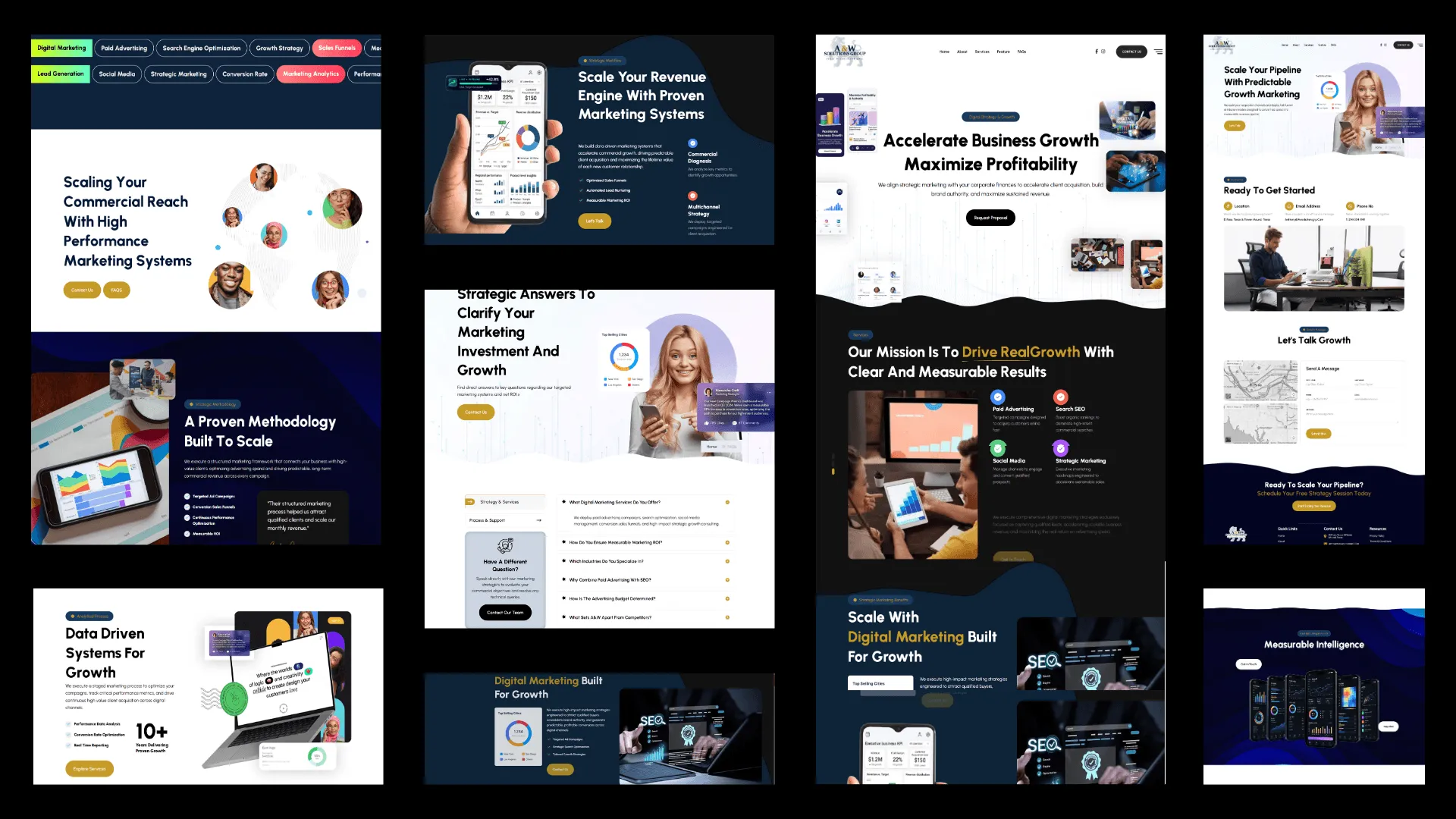
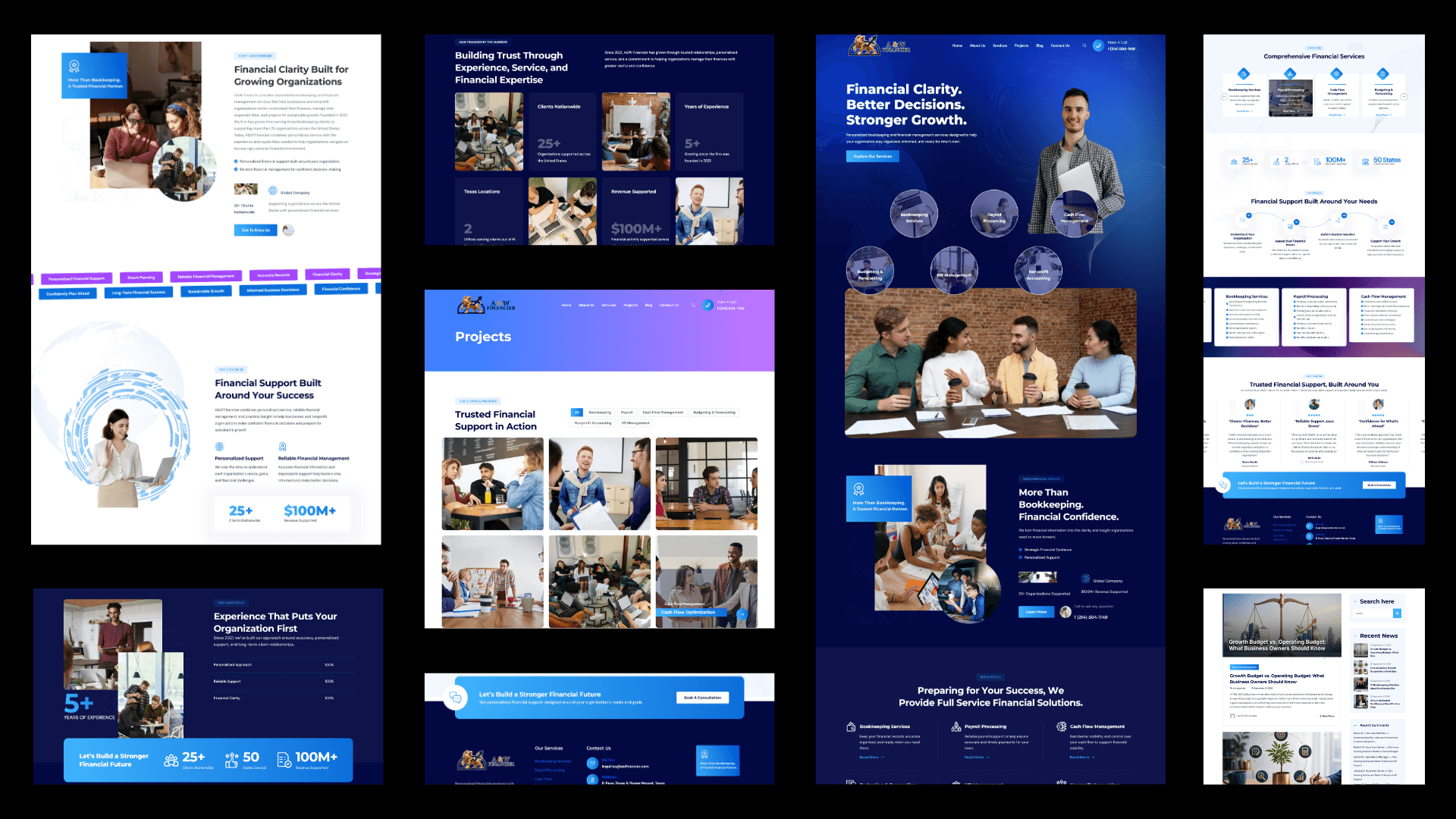
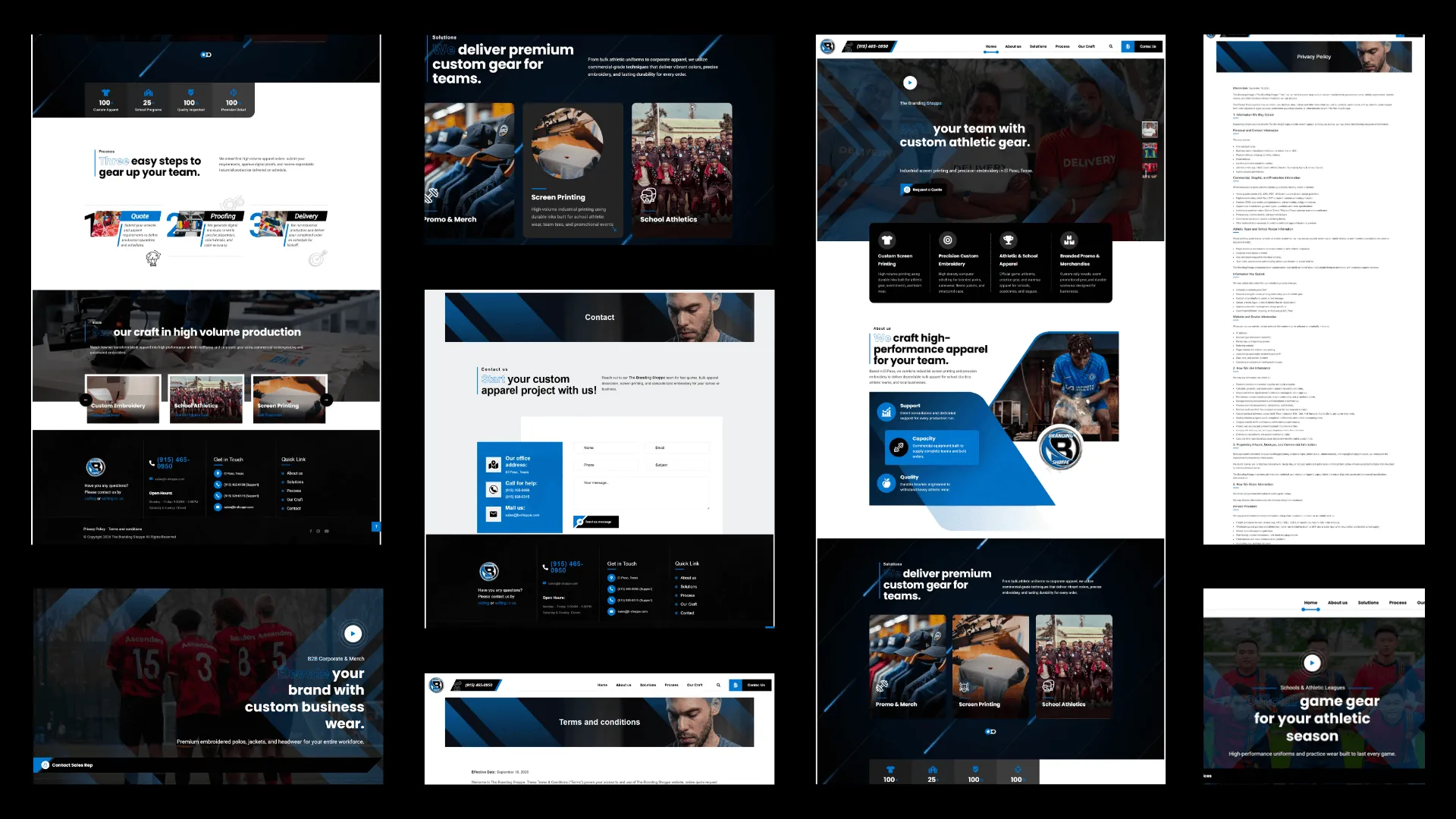
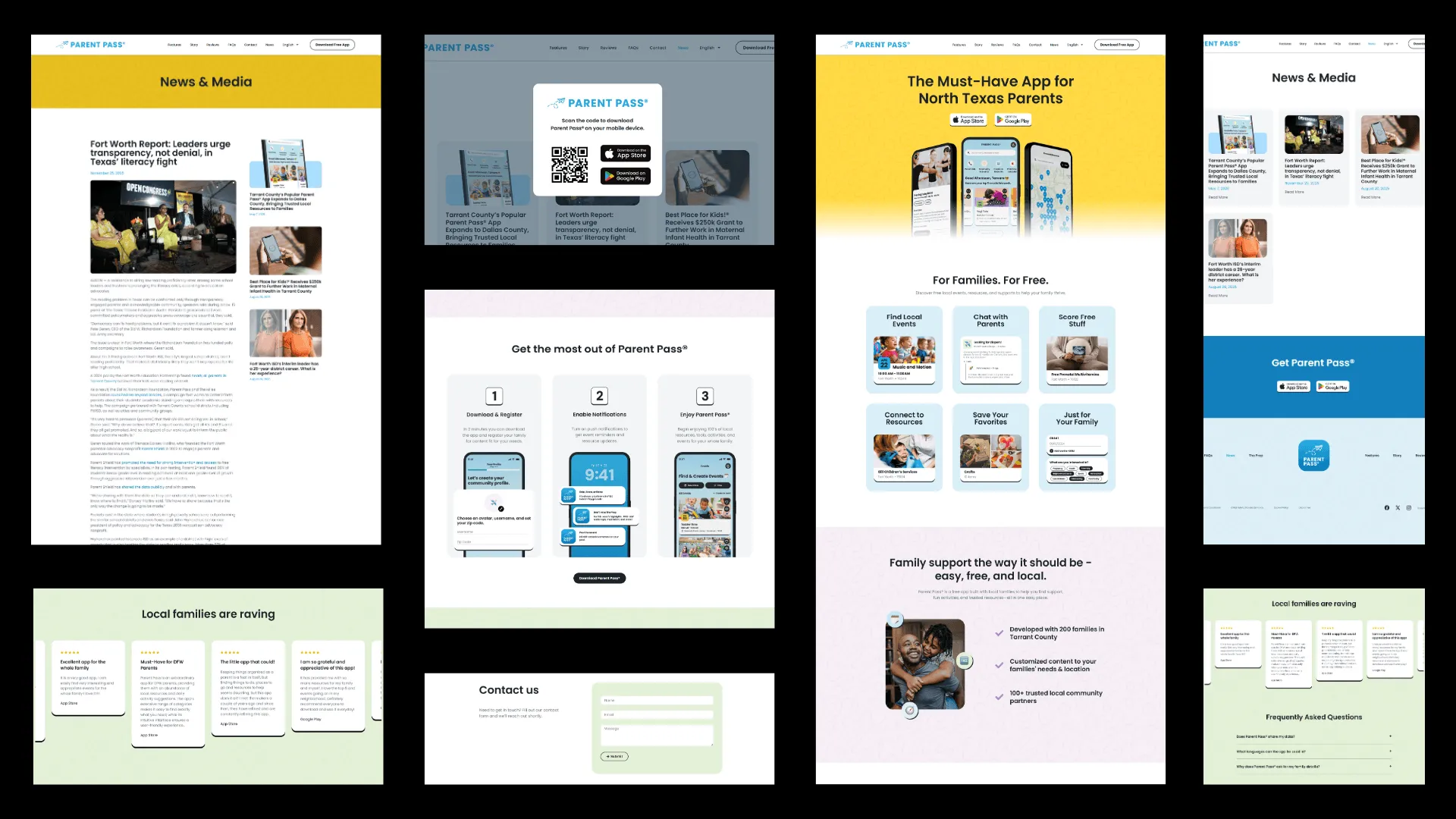



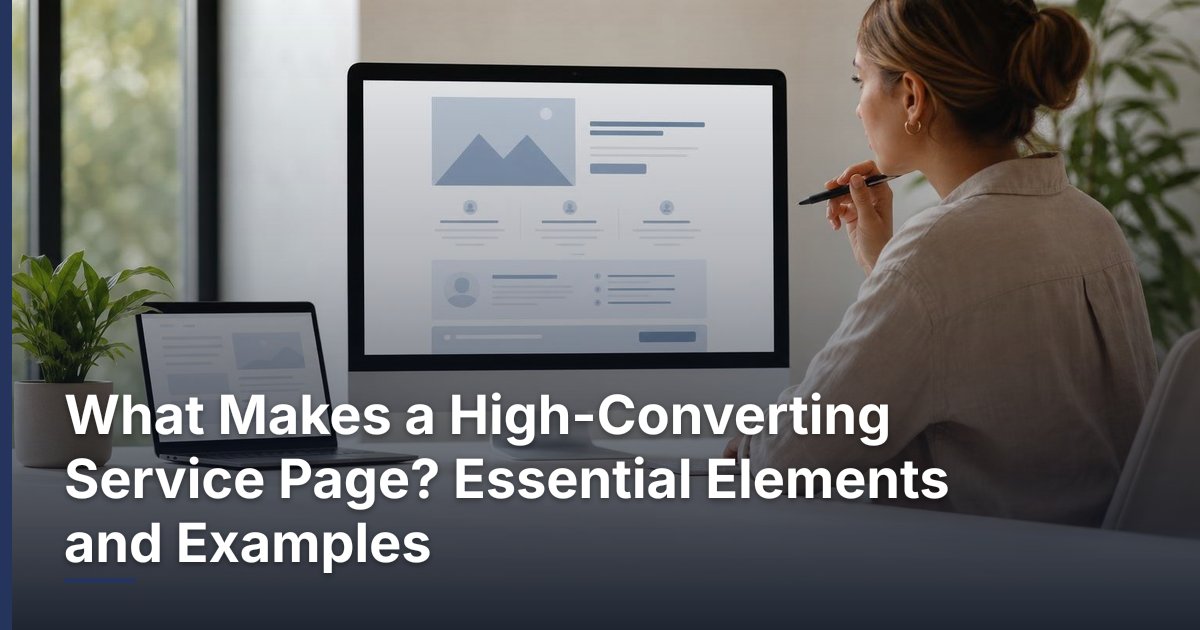
What Makes a High-Converting Service Page? Essential Elements and Examples
Prepared 2026-11-13
A high-converting service page helps a qualified visitor understand the offer, decide whether it fits their needs, and take a clear next step. It does that with specific messaging, useful detail, credible reassurance, and an action that is easy to find—not with louder sales language or more design effects.
What a service page is supposed to do
A service page is not simply a list of capabilities. It is a decision page for people who are considering a particular type of help. Its job is to reduce uncertainty: what the service is, who it is for, what problem it addresses, how an engagement generally works, and what to do if the visitor wants to continue the conversation.
That purpose makes service pages different from a homepage. A homepage may introduce a company and point people toward several services. A service page should go deeper on one offer or one closely related group of offers. It should give a prospective customer enough useful context to recognize a fit without forcing them to call just to learn the basics.
| Page type | Primary visitor question | Useful page focus |
|---|---|---|
| Homepage | What does this company do? | A concise overview, positioning, and paths to relevant services. |
| Service page | Can this service help with my specific need? | Clear scope, fit, process, reassurance, and a focused next step. |
| Case study or portfolio page | What has the company done before? | Accurate examples, context, work performed, and outcomes where verified. |
| Contact page | How do I begin a conversation? | Simple contact options and clear expectations for the inquiry process. |
Conversion does not have to mean an immediate sale. For many professional, technical, creative, or business services, an appropriate conversion may be a consultation request, a discovery call, a project inquiry, or another qualified conversation. Choose the page’s primary action based on how customers actually buy the service.
Start with a message a visitor can understand quickly
The opening screen has a simple assignment: orient the visitor. A strong headline identifies the service and connects it to a meaningful business need. The supporting copy can add the audience, the type of challenge addressed, or the nature of the engagement. A visitor should not need to decode phrases such as “transform your potential” before learning what is actually being offered.
A practical opening-section formula
Use a straightforward structure: service + intended customer or situation + useful outcome. For example, a custom CRM provider might say it designs CRM workflows for businesses that need a clearer way to manage leads and customer follow-up. The point is not to copy that wording; it is to make the offer concrete enough for the right reader to keep going.
- Name the service in familiar language.
- Identify the type of business, customer, or situation it is designed to support when helpful.
- Describe the problem, improvement, or decision the service helps address.
- Add a concise call to action for visitors ready to talk.
- Avoid vague claims that could apply to any provider in any industry.
Visual design should support that clarity. Relevant imagery, a short explanatory graphic, or a well-organized layout can help visitors scan, but decoration should not carry the burden of explaining the offer. Mobile visitors in particular benefit from a visible headline, short supporting text, and an easy-to-use primary action near the top of the page.
Explain the service in terms buyers can evaluate
After the introduction, give the visitor the detail needed to assess fit. Describe the challenges the service is intended to address, what the work may include, what the client contributes, and the usual sequence of collaboration. This is more helpful than a dense inventory of tools, features, or technical terms.
For example, a website redesign page can explain that the work may involve reviewing the current site, organizing content, planning page structure, building the site, and preparing for launch. An automation page can explain the business processes under review, the systems that may need to connect, and the need to test workflows before relying on them. The specifics should reflect the actual offer, not an idealized list of everything a company might someday provide.
| Instead of emphasizing | Explain the buyer-relevant meaning | Example direction |
|---|---|---|
| A platform or tool name | What business process it helps support | Describe how connected systems can reduce repeated data entry or improve handoffs. |
| A broad capability list | Which situations the service is suited for | Group capabilities around a recognizable customer problem. |
| Technical implementation detail | What the client can expect during the work | Explain discovery, planning, build, review, and launch or handoff stages. |
| Generic benefit language | What changes in the customer’s workflow or decision-making | Describe the practical improvement without promising a guaranteed result. |
Use scope to qualify the right inquiries
Specificity may reduce casual inquiries, but that is often useful. A qualified prospect needs to know whether the service is appropriate before they invest time in a conversation. Include boundaries when they matter. If a service is tailored rather than packaged, say so. If the work depends on existing systems, content, access, or client participation, explain that early. Clear scope is not a barrier; it is part of a transparent buying experience.
Build trust without making claims you cannot support
A visitor considering a service is assessing risk as well as value. Trust-building content helps answer reasonable questions: Does this provider understand the issue? Is there a sensible process? What will working together be like? Can I verify the claims being made? The strongest answer is relevant, accurate detail.
- A concise explanation of the team’s relevant approach or experience, if it is accurate and current.
- A clear process that shows how decisions, feedback, and approvals are handled.
- Examples of deliverables, sample workflows, or anonymized scenarios that do not reveal confidential information.
- Testimonials, case studies, certifications, or partnerships only when they are genuine, permitted, and maintained.
- Policies or practical expectations that reduce confusion, such as what happens after an inquiry.
Avoid using logos, review excerpts, performance results, security claims, or compliance language unless each item is authorized and verifiable. A generic statement such as “trusted by businesses everywhere” is less useful than an honest explanation of how the provider plans, communicates, and handles a project. Transparency can be persuasive because it helps a buyer make a real decision.
Hypothetical examples can also clarify an offer when labeled clearly. For instance, a hypothetical local service business might need web forms, a custom CRM, and follow-up automation to create a more consistent lead-handling process. That example illustrates a possible use case; it should never be framed as a client result or a promise of a particular outcome.
Design the call to action around the next logical commitment
A call to action works best when it tells visitors what they can do and what will happen after they do it. “Schedule a consultation” is clearer than “Learn more” when the page has already provided the information needed for a conversation. Conversely, a visitor at an earlier research stage may benefit from an option to review related guidance before contacting anyone.
- Choose one primary action for the page, such as requesting a consultation or discussing a project.
- Place it near the opening for ready visitors, then repeat it after major sections where the visitor has gained enough context to decide.
- Use specific button and surrounding text so the visitor understands the action.
- Keep forms focused on information needed to begin the conversation; avoid making an initial inquiry feel like a lengthy application.
- Set expectations nearby when possible, such as the purpose of the conversation or the type of information that will help prepare for it.
Secondary actions can be appropriate, but they should not compete with the main path. A relevant article, a process overview, or a related service can help a visitor who is not ready to inquire. Give those choices a supporting role and preserve a clear visual hierarchy around the primary action.
Use FAQs to resolve real pre-sales questions
FAQs are valuable when they answer questions that repeatedly arise before a buyer reaches out. They should add information rather than restate the page. Useful topics often include who the service is for, how a project begins, what information a client should prepare, whether work can integrate with current systems, and how the provider determines fit.
Do not add an FAQ only to place more keywords on the page. Short, direct answers are easier to scan and more credible than promotional answers. If an answer depends on project requirements, explain what factors affect it rather than giving a made-up universal answer.
A final page review before publishing
- Can a new visitor identify the service and intended audience quickly?
- Does the page describe what is included in language a business owner can understand?
- Are any claims, examples, reviews, and credentials accurate and supportable?
- Does the page explain enough to qualify interest without hiding key details?
- Is the primary next step visible and easy to complete on a phone as well as a desktop?
- Do the FAQs address genuine decision questions rather than repeat marketing copy?
Bring the page together
An effective service page respects the visitor’s time. It makes the offer understandable, gives enough detail to evaluate fit, addresses predictable concerns, and presents a clear next step. The goal is not to pressure every visitor into acting. It is to make it easier for the right prospects to recognize value and start an informed conversation.
For small and growing businesses, the best next improvement is often not a complete redesign. Start by reviewing one important service page: tighten the opening message, clarify the scope, add honest reassurance, and make the inquiry path easier. Then use the questions prospects ask in real conversations to refine the page over time.
If you want help planning, improving, or rebuilding service pages around your actual sales process, DLR Vortex Solutions can help you identify a practical path forward. Schedule a consultation today!
Frequently asked questions
What is the most important element of a high-converting service page?
Clarity is the starting point. Visitors should quickly understand what the service is, who it is intended for, the problem it addresses, and the next step if they want to explore it further. Other elements, including proof and design, are more effective when that foundation is clear.
How is a service page different from a landing page?
A service page usually provides durable, in-depth information about an ongoing offer and may support visitors arriving from search, navigation, referrals, or other channels. A landing page is often built around one campaign, audience, or action. Either can be effective when its content and call to action match the visitor’s context.
Should every service page include pricing?
Not necessarily. Whether pricing belongs on the page depends on how the service is sold and how variable the scope is. If a fixed price is not appropriate, the page can still explain what affects scope and what a prospective client can expect during an initial conversation.
What kind of proof should a service page use?
Use evidence that is accurate, relevant, and authorized for publication. Depending on the business, that may include a clear process, examples of deliverables, genuine testimonials, approved case studies, or verifiable credentials. Do not use vague superlatives or unverified claims as substitutes for proof.
How many calls to action should a service page have?
A page can repeat one primary call to action in several logical locations, such as near the opening, after key explanatory sections, and near the end. The important point is that the main action remains consistent rather than forcing visitors to choose among several competing paths.
What should a service page FAQ cover?
Cover questions that help buyers assess fit and prepare for a conversation. Useful subjects may include the intended customer, project starting point, client responsibilities, current-system considerations, and what happens after an inquiry. Keep answers specific to the actual service.
Can a service page promise results?
A service page should describe the work, process, and intended purpose accurately, but it should not promise outcomes that cannot be guaranteed. This is especially important when results depend on factors outside the provider’s control, such as market conditions, customer decisions, existing systems, or client participation.
Related reading
Schedule a consultation today!
Recent Posts


November 20, 2026
Ecommerce Product Page SEO: A Practical Optimization Checklist

November 19, 2026
How to Reduce Cart Abandonment on a WooCommerce Store
Related Articles
Technical SEO Audit Guide: How to Find and Prioritize Website Problems
Warning: Undefined variable $taxonomy in /home/u765721910/websites/azJno66uV/public_html/wp-content/themes/bw-digiflow/bzotech-templates/posts/grid/grid-style2.php on line 50


Leave a comment