




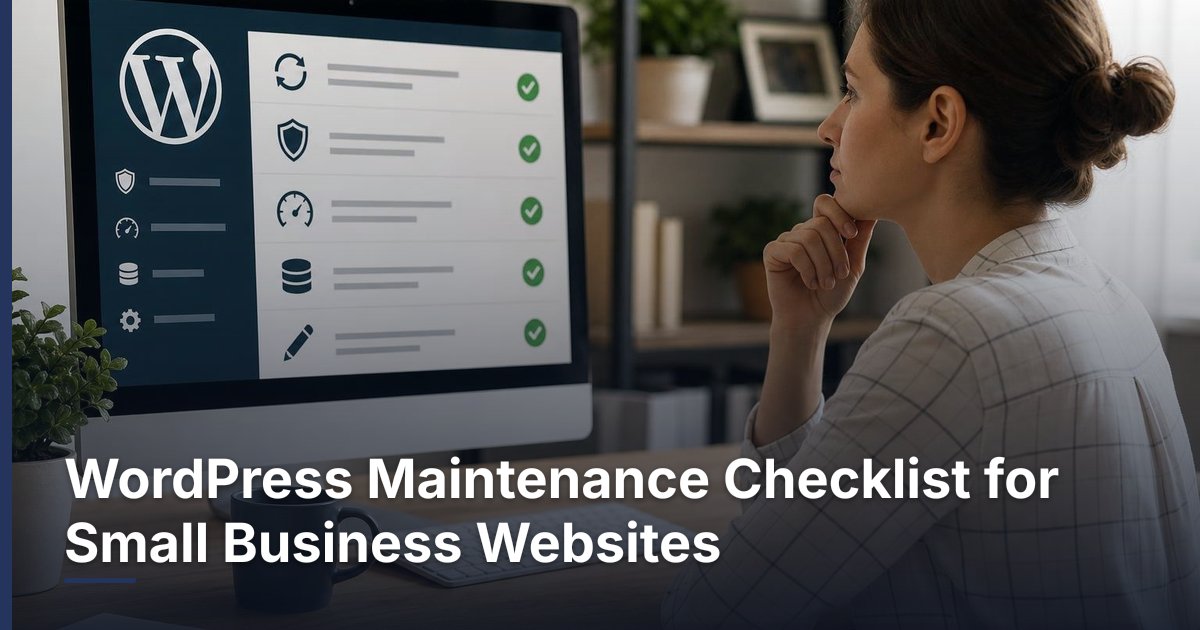
WordPress Maintenance Checklist for Small Business Websites
Prepared 2026-11-08
A WordPress maintenance checklist gives a small business a repeatable way to protect its website from avoidable disruption. Focus on controlled updates, recoverable backups, testing of the customer paths that matter most, access review, and content accuracy. If your site accepts payments, appointments, leads, or customer logins, treat those functions as priority checks rather than assuming they continue to work after every change.
What WordPress maintenance should cover
Maintenance is the recurring operational work that keeps a website understandable, supportable, and ready for customers. For most small businesses, that includes software updates, backups, functional testing, user-access review, content accuracy, and a record of completed work. The right routine depends on the site’s complexity and how much the business relies on it for leads, sales, scheduling, or customer service.
- WordPress core, active plugins, and the active theme
- Backup availability before changes
- Key customer actions, such as form submissions, calls, bookings, logins, or checkout
- Administrative accounts and user permissions
- Contact information, business hours, offers, policies, and key page content
- A maintenance log that identifies what changed and what still needs attention
A maintenance checklist is not a substitute for a redesign, a marketing plan, or a conversion review. It does, however, create a stable baseline. Once the site is working reliably, owners can make better decisions about content, landing pages, SEO, integrations, and automation instead of reacting to preventable site problems.
Set a maintenance cadence that fits the website
Use a cadence that matches the website’s business role. A brochure-style site may need a lighter routine than a site that processes orders, accepts appointments, runs campaigns, or includes customer accounts. Regardless of frequency, carry out updates deliberately and test the functions that matter to customers after a change.
| Timing | Core tasks | What to record |
|---|---|---|
| Before making meaningful changes | Confirm a recent backup is available; note the planned update or change; identify the key pages or functions to test. | Date, scope of change, backup location or confirmation. |
| After updates or configuration changes | Check the homepage, navigation, primary contact path, and any business-critical forms, checkout, or login process. | What was tested, result, and any issue found. |
| Monthly | Review updates, backups, site content, user access, and essential customer journeys. | Completed tasks, deferred work, and follow-up owner. |
| Quarterly | Review plugins and themes for continued purpose, assess performance and conversion paths, and plan larger improvements. | Items to remove, improvement priorities, and target dates. |
Avoid treating maintenance as an automatic “update everything” button. An update can affect a theme, plugin, integration, or custom function. If the site has custom development, ecommerce, accounting connections, automation, or a custom CRM integration, define the test steps before making changes and involve the appropriate technical owner when compatibility is unclear.
Use a controlled update and testing process
The safest practical habit is to know what will change, confirm that recovery information is available, make the change, and test customer-facing functions. A simple process makes it less likely that an update is completed without anyone noticing a broken form, page, or checkout path.
- List the intended updates or changes, including plugins, theme changes, configuration work, or integration changes.
- Confirm that a recent backup is available and that the responsible person knows where it is stored or how it is accessed.
- Make the planned change in a controlled window when practical. If a staging environment is available, use it for significant changes or custom functionality.
- Clear or review relevant caching only when appropriate for the site, then view important pages as a visitor would.
- Test the business-critical customer journey. For example, submit a contact inquiry, check an appointment request path, or walk through a suitable ecommerce or login workflow.
- Record the work, tests performed, results, issues, and any planned follow-up.
Test what customers actually use
A page loading in a browser does not prove that the website is operating correctly. Test the actions that move a prospect or customer forward. For a professional service business, this may be a contact form, call link, consultation request, or downloadable resource. For an ecommerce site, it may be product selection, cart behavior, checkout, transactional emails, and account access. For a portal or custom CRM-connected website, it may include authentication and the specific workflow the integration supports.
| Website type | Priority checks | Escalate when |
|---|---|---|
| Lead-generation website | Navigation, contact form, form confirmation, phone and email links, key landing pages. | Inquiries do not arrive, a form errors, or key pages display incorrectly. |
| Ecommerce website | Product pages, cart, checkout path, customer login, order-related communications. | Customers cannot complete a purchase or access their account. |
| Appointment or service website | Booking or request flow, confirmation process, contact options, service details. | Requests fail, scheduling information is incorrect, or confirmations do not work as expected. |
| Website with integrations or portals | Login, relevant data exchange, embedded tools, customer or staff workflows. | An integration errors, records do not pass as expected, or a customer workflow is interrupted. |
Keep backups, access, and components manageable
A backup is useful only when the business can identify it, access it, and understands who is responsible for recovery. Document where backups are handled, what they cover, and who should be contacted if restoration is needed. Do not assume that a hosting plan, plugin, or outside provider covers every website file, database, configuration, or external service without confirming the arrangement.
- Keep a current record of hosting, domain, WordPress, and key third-party account ownership.
- Review administrator accounts and remove access for former staff, vendors, or roles that no longer need it.
- Use separate accounts for people who need access rather than sharing one administrative login.
- Review installed plugins and themes for a clear business purpose; plan removal of unused items carefully.
- Document critical integrations, including form delivery, email services, payment tools, scheduling, analytics, and business software connections.
- Keep a record of custom code or custom functions and the person or provider who can support them.
Do not remove a plugin or change access solely because it appears unfamiliar. It may support a form, page builder, ecommerce feature, cache setting, or integration. First identify its role, check dependencies, back up the site, and plan a test. This is especially important when a website connects to payment services, accounting systems, email or SMS platforms, customer portals, or workflow automation.
Review content and customer paths as part of maintenance
Website maintenance is also a customer-experience task. Outdated contact details, discontinued offers, old staff information, broken links, or unclear service pages can create unnecessary friction even when the software is up to date. Add content checks to the routine so the website reflects how the business currently operates.
- Confirm the business name, phone number, email address, address or service area, and business hours where shown.
- Review primary calls to action and make sure they lead to the intended form, phone number, booking tool, or checkout page.
- Check current products, services, pricing references, availability statements, policies, and promotional messaging for accuracy.
- Review important page titles, headings, images, and links for relevance and clarity.
- Use analytics and lead records to identify pages or paths that deserve a deeper conversion or content review.
For a marketing campaign or seasonal offer, complete this review before traffic is sent to the website. A campaign can drive attention to a page, but it cannot compensate for a form that does not work, an outdated offer, or a confusing next step.
Know when routine maintenance is not enough
Escalate from routine maintenance to a focused technical or strategic project when problems repeat, the site no longer supports the business process, or changes require more than a simple update and test. The goal is to address the underlying issue rather than repeatedly applying short-term fixes.
- Repeated errors after updates or unclear compatibility between important components
- A site that is difficult to update because of old custom work, unused components, or undocumented accounts
- Customer forms, ecommerce, booking, login, or integrations that do not reliably support the intended workflow
- A need to connect the website with a custom CRM, accounting platform, email or SMS system, customer portal, or workflow automation
- A major change in services, branding, content structure, ecommerce requirements, or lead-generation goals
- Questions about security exposure, recovery readiness, privacy obligations, payment handling, or other requirements that need specialist review
DLR Vortex Solutions can help business owners assess a WordPress website, prioritize maintenance work, and plan larger website, integration, automation, or custom CRM improvements when the checklist reveals a deeper need. Schedule a consultation today!
Frequently asked questions
How often should a small business maintain a WordPress website?
The appropriate cadence depends on the site’s complexity and business role. At minimum, establish a recurring review for updates, backups, user access, and key customer paths. Sites that handle sales, bookings, customer accounts, campaigns, or business integrations generally need closer operational attention and testing after meaningful changes.
Should I update every WordPress plugin as soon as an update appears?
Not blindly. Review what is changing, confirm a recent backup is available, and test the website’s business-critical functions after updates. If a plugin supports custom work, ecommerce, a portal, or an integration, use a more deliberate process and seek technical help when compatibility is uncertain.
What should I test after updating WordPress?
Test the customer actions that matter to your business. Common checks include the homepage and navigation, key pages, contact forms, phone and email links, booking or request flows, logins, and ecommerce checkout. Also verify that inquiries, confirmations, or other expected communications work as intended.
What is the difference between WordPress maintenance and a website redesign?
Maintenance keeps the current website operational through recurring updates, backups, testing, access review, and content checks. A redesign is a larger project that may change the site’s structure, branding, content, conversion paths, design, or technology. Repeated maintenance issues can be a sign that a broader project should be considered.
Can a hosting provider handle all WordPress maintenance?
Hosting may handle some infrastructure or backup responsibilities, but the business should confirm exactly what is included. Website maintenance can also involve plugins, themes, forms, content, user access, customer workflows, and third-party integrations that may not be covered by a hosting arrangement.
What should I do if I do not know what a WordPress plugin does?
Do not remove it immediately. Identify where it is used, whether it supports another component or integration, and what customer-facing function could be affected. Confirm backup availability, document the current state, and plan testing before removal or replacement.
Related reading
Schedule a consultation today!
Recent Posts


November 20, 2026
Ecommerce Product Page SEO: A Practical Optimization Checklist

November 19, 2026
How to Reduce Cart Abandonment on a WooCommerce Store
Related Articles
Technical SEO Audit Guide: How to Find and Prioritize Website Problems
Warning: Undefined variable $taxonomy in /home/u765721910/websites/azJno66uV/public_html/wp-content/themes/bw-digiflow/bzotech-templates/posts/grid/grid-style2.php on line 50



Leave a comment